
Velora changelog
Light theme and Bible text settings for pre-release
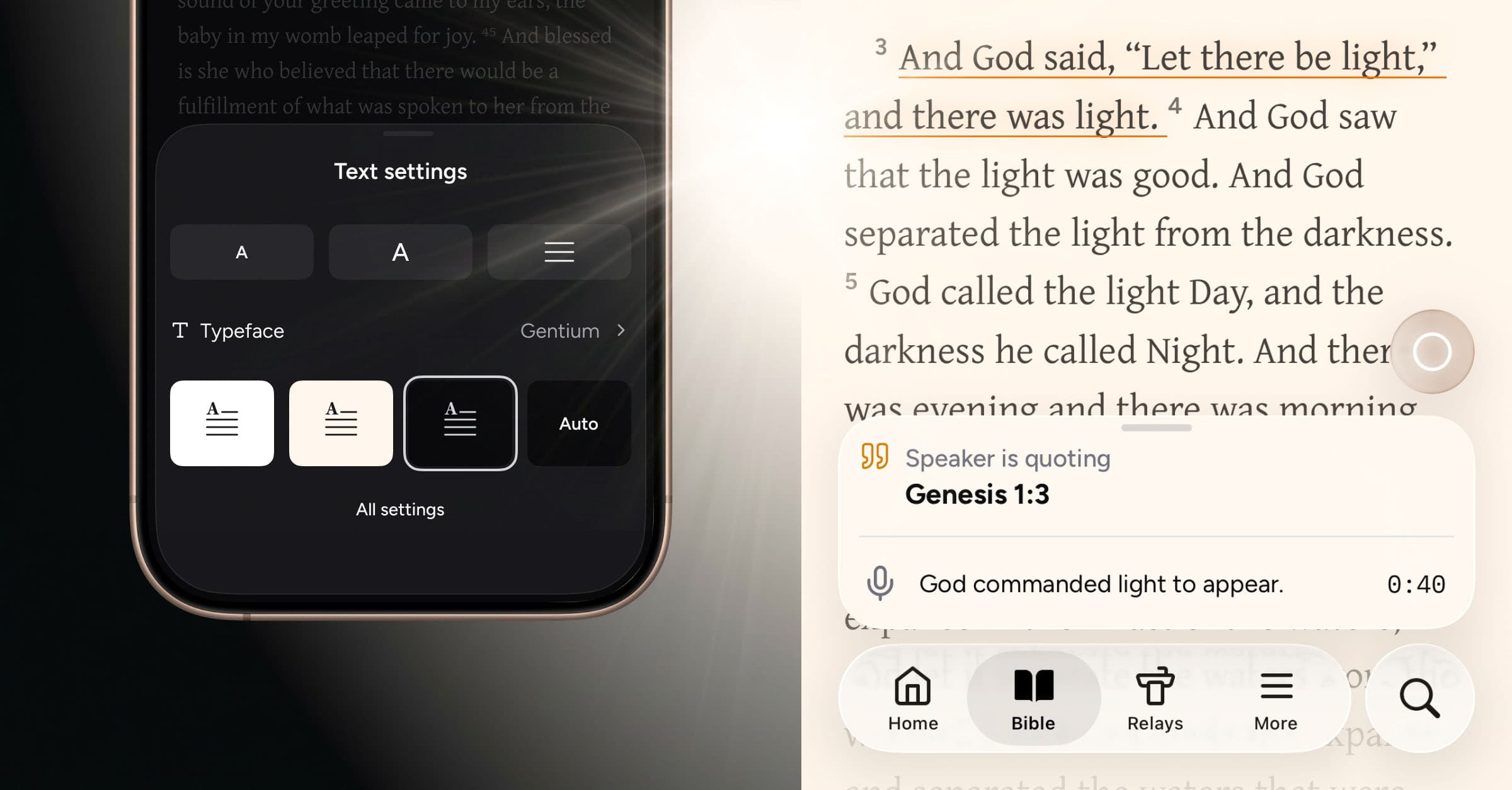
Let there be light! Velora now includes an option to enable light theme across the full experience—with an additional sepia option in the Bible reader (and additional reader options still to come).
What’s new
Light theme
While light theme is the standard default in most apps, we chose to start with dark theme for Velora. As an app meant to be used in church, we felt it was important that the interface feel unobtrusive and essentially fade into the background. We considered the simple, dignified beauty of a Bible bound in black leather, using touches of color sparingly in ribbons or headings on the page. Velora is designed as a dark-first experience with all of this in mind.
At the same time, a brighter interface offers distinct advantages, particularly for reading in well‑lit environments. As we’ve expanded Velora beyond the live Relay experience, our Private Beta members have begun using it in a wider range of contexts outside church. In light of this, it’s the perfect time to introduce a light theme.
In the end, the theme you choose comes down to individual preference, and we’re delighted to make the light option available today—across the entire app.
Bible reader text settings
Within the Bible reader, we are also introducing text settings for a more personalized, quality reading experience. You can now adjust text size, line height, and background color—as well as choose from a curated selection of typefaces:
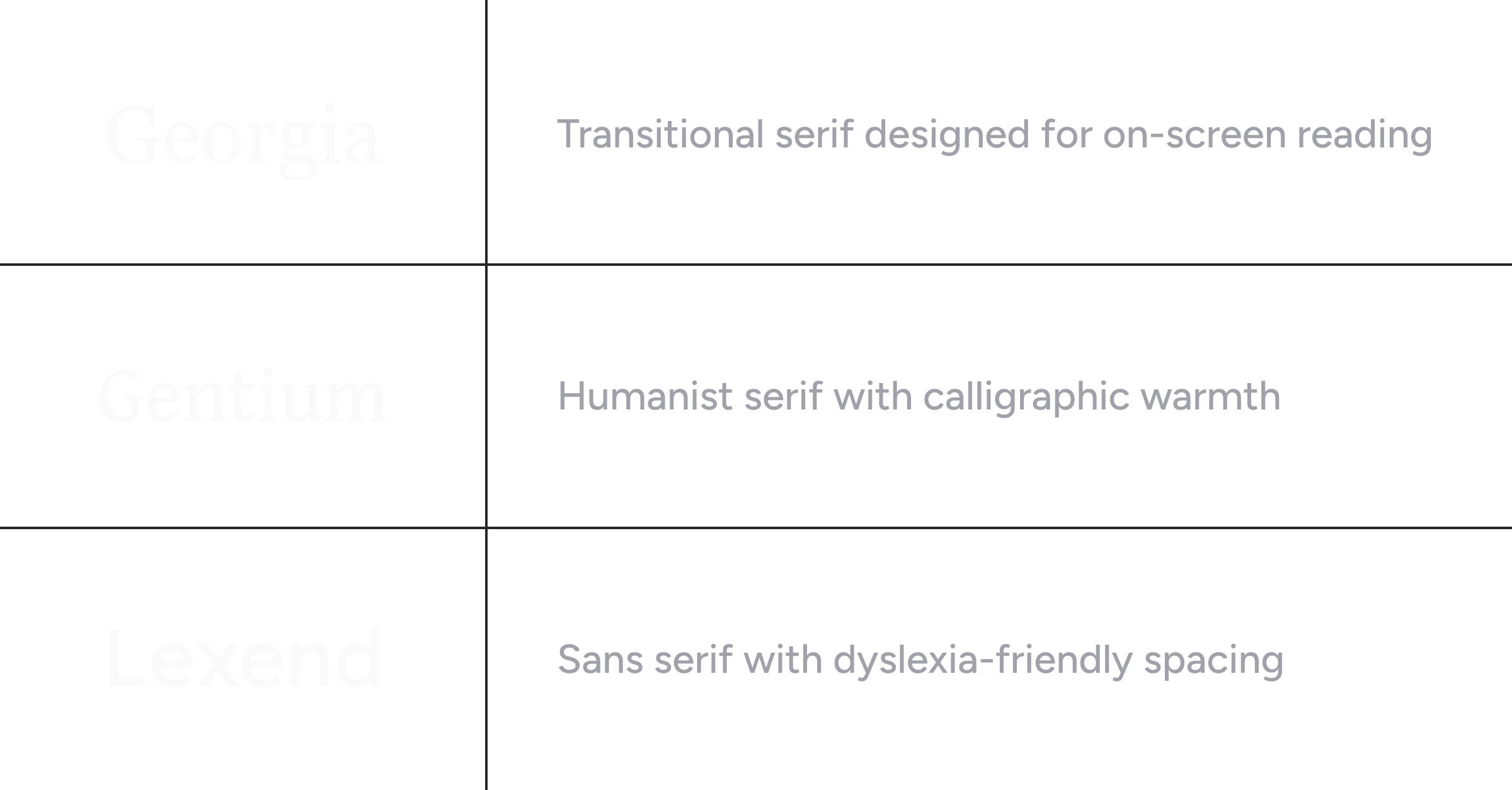
Georgia is our standard serif typeface, used for prominent Relay headings and to distinguish Scripture quotations from the rest of the interface typography.
Gentium is an exceptionally legible serif typeface with hand-drawn character. It was created by SIL Global, a faith-driven nonprofit dedicated to developing Bible translation and language resources for communities around the world.
Lexend is a sans serif typeface designed to lessen visual strain while reading. Originally created with dyslexia in mind, it has since gained broader appeal as a font that makes reading more comfortable for everyone.
We will continue to roll out additional options over time, aiming to apply Old World craftsmanship to the contemporary, digital display of God’s Word.
Relay passage illumination
When passages are identified during a real-time Relay session, they now illuminate in the Bible reader with an underline, colored based on the type of reference or suggestion. The chapter tab also glows, providing a subtle visual cue that links together the Relay transcription and timeline with the Bible text itself.
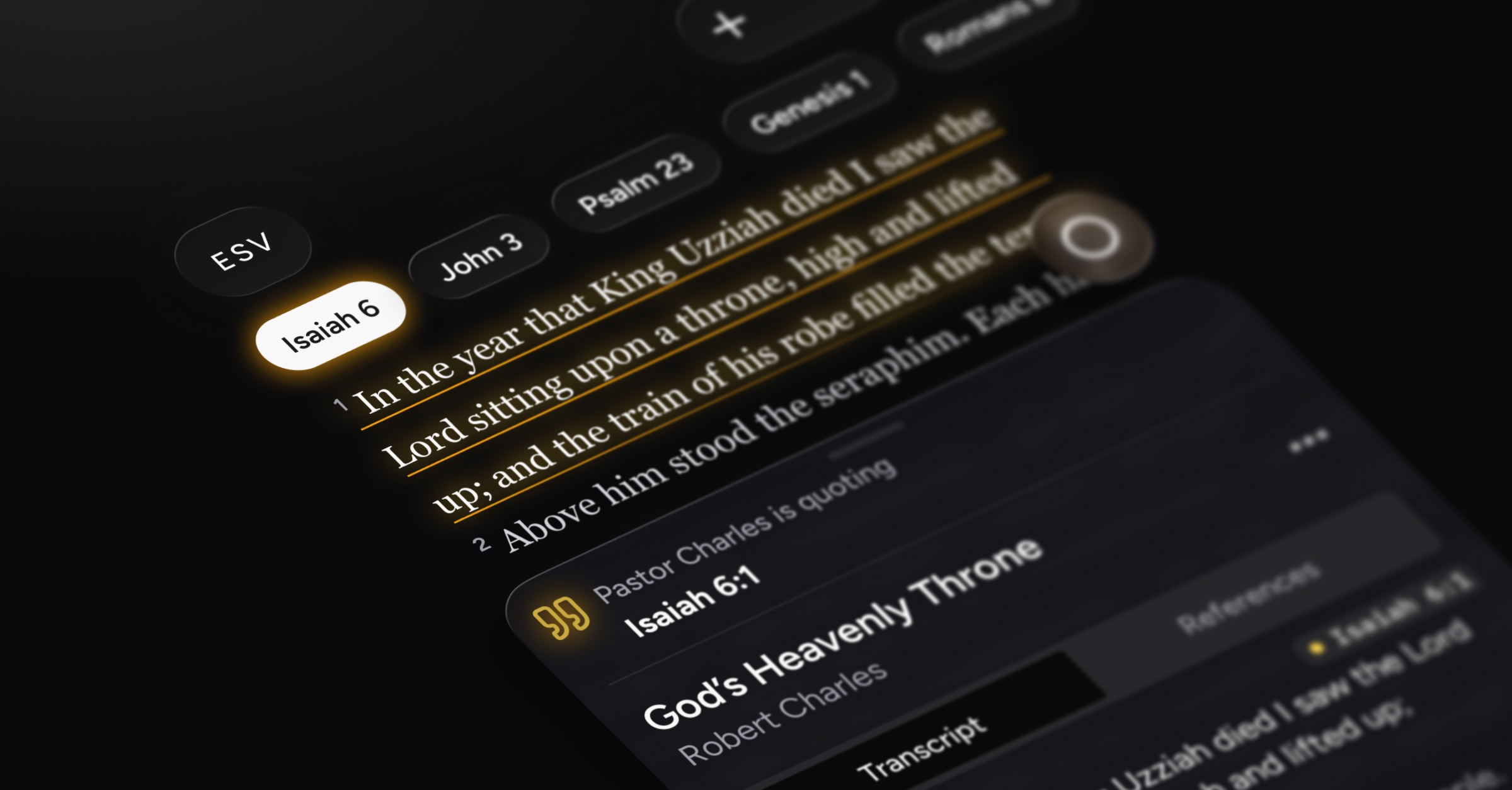
If you’d prefer, you can off turn Relay passage illumination in the Bible text settings.
Velora Journal improvement
Our online articles now include AI-powered audio, so you can listen to them hands‑free—whether you’re tackling the dishes or traveling to and from work.
Reliability improvements and bug fixes
Miscellaneous improvements to Bible text formatting
Fixed an issue on Android where users could not remove versions from their list of preferred Bible versions
Smoother scrolling and overall app performance