
Velora changelog
Sharing and exports for pre-release
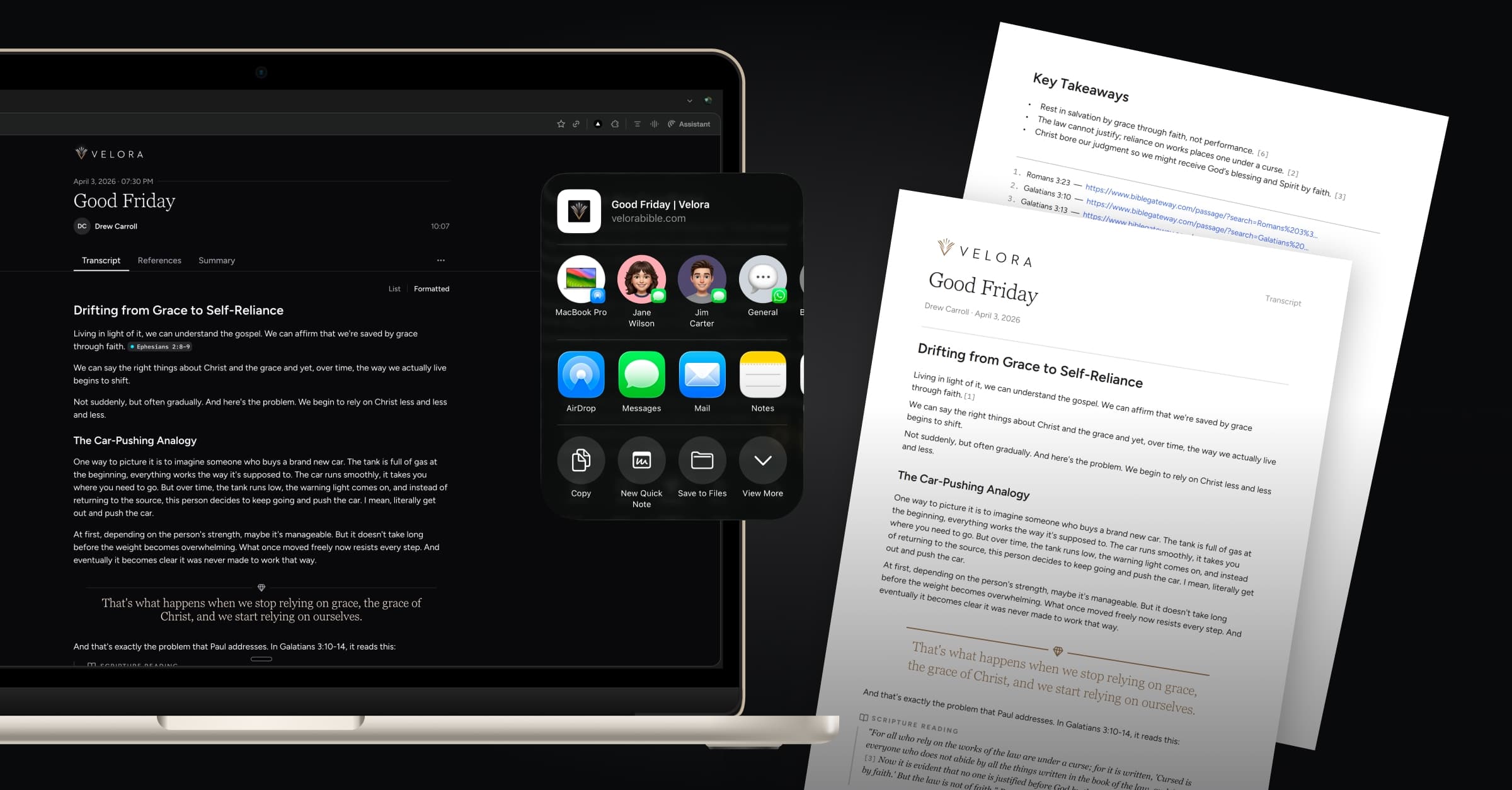
When you capture a powerful sermon with Relay, you can now easily pass it along to anyone—even if they don’t use Velora. Just tap Share to generate a public web link that shows the full transcript, reference timeline, and summary.
Planning to reflect on Sunday’s message in your small group or around the dinner table? From that public link, you can export the transcript, references, and summary as PDF files and print so everyone has a copy in front of them to follow along.
What’s new
Share Relay link
You can generate a shareable web page for any previously recorded Relay. This public page mirrors how the content appears in the Velora app and can be opened in any web browser on any device. Clicking on a reference will open that passage on BibleGateway.com.
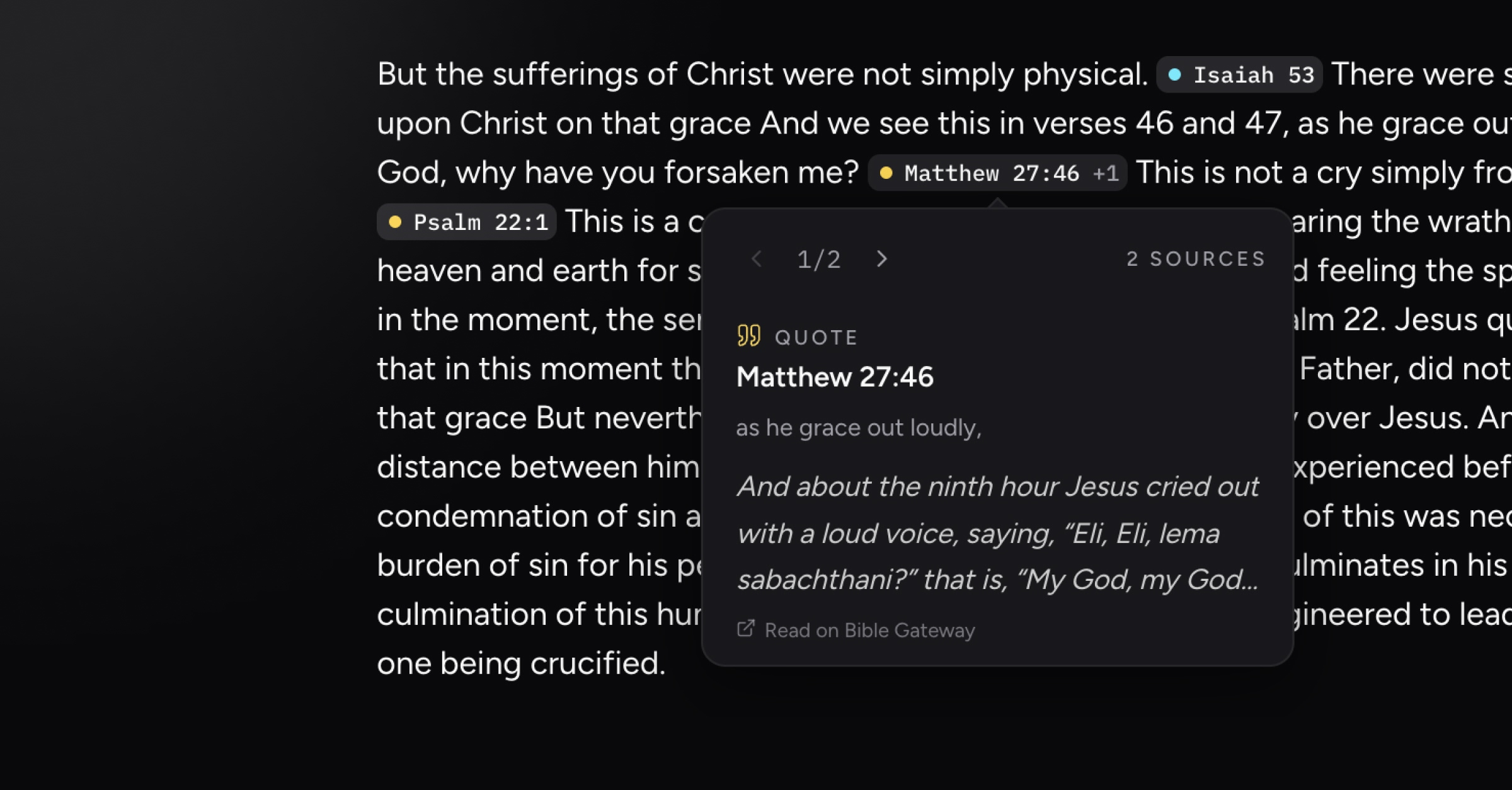
If you update the Relay’s title or change its speaker inside the app, those edits are automatically reflected on the public web page. You can also turn off sharing for a Relay and disable its public link at any time.
Export Relay as PDF or markdown
From the More menu on a Relay’s web page, you can now export the transcript, references, or summary as either a styled PDF or a markdown file. Choose the PDF format when you want to print the Relay or include it as an attachment in an email.
The PDF maintains Velora’s worship-centered layout, and the inline references turn into interactive citations that take you to a footnote section at the end, where every reference is listed with active BibleGateway links.
Performance enhancements and bug fixes
Improvements to formatted transcript generation, resulting in more logical paragraph and heading structures
Fixed a bug where speaker name was occasionally not displaying on active Relays
Fixed miscellaneous issues related to post-Relay uploading and processing
Fixed an issue on Android where consolidated reference timeline items would open the reference detail screen rather than expanding