
Velora changelog
ESV Bible and manage speakers for pre-release

The English Standard Version (ESV) is now in Velora! We’re excited to bring this trusted, much‑requested translation of God’s Word to Velora’s Bible reader.
To add the ESV to your Bible version library, tap the current translation in the upper-left corner of the Bible screen. Then scroll down and choose “View more versions” at the bottom. Find ESV in the list of available translations, add it, and then select it under “My versions” to make it your active Bible version.
What else is new
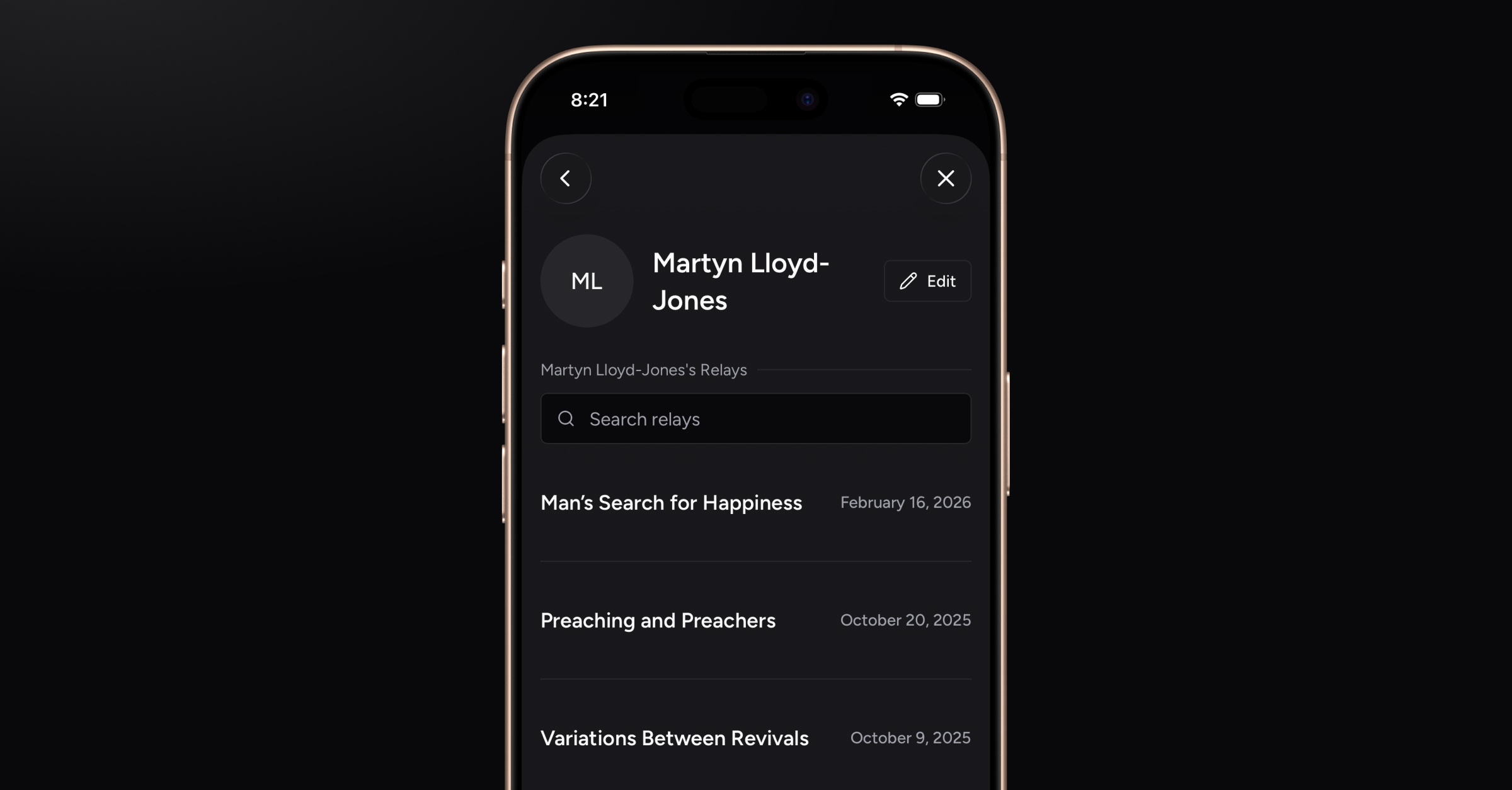
Manage speakers
You can now organize your speakers from the More screen. Browse and search through the full list of Relays linked to each speaker (the sermons or lessons they’ve delivered). You can also remove existing speakers and create new ones.
(Support for speaker avatar uploads is coming soon.)
Tip: If your pastor introduces himself at the start of a sermon and you leave the speaker field blank, Velora will automatically add his name to the Relay during post-processing.
Performance enhancements and bug fixes
Improvements to post-Relay uploading and processing
Misc. bug fixes