
Velora changelog
Formatted transcript for pre-release
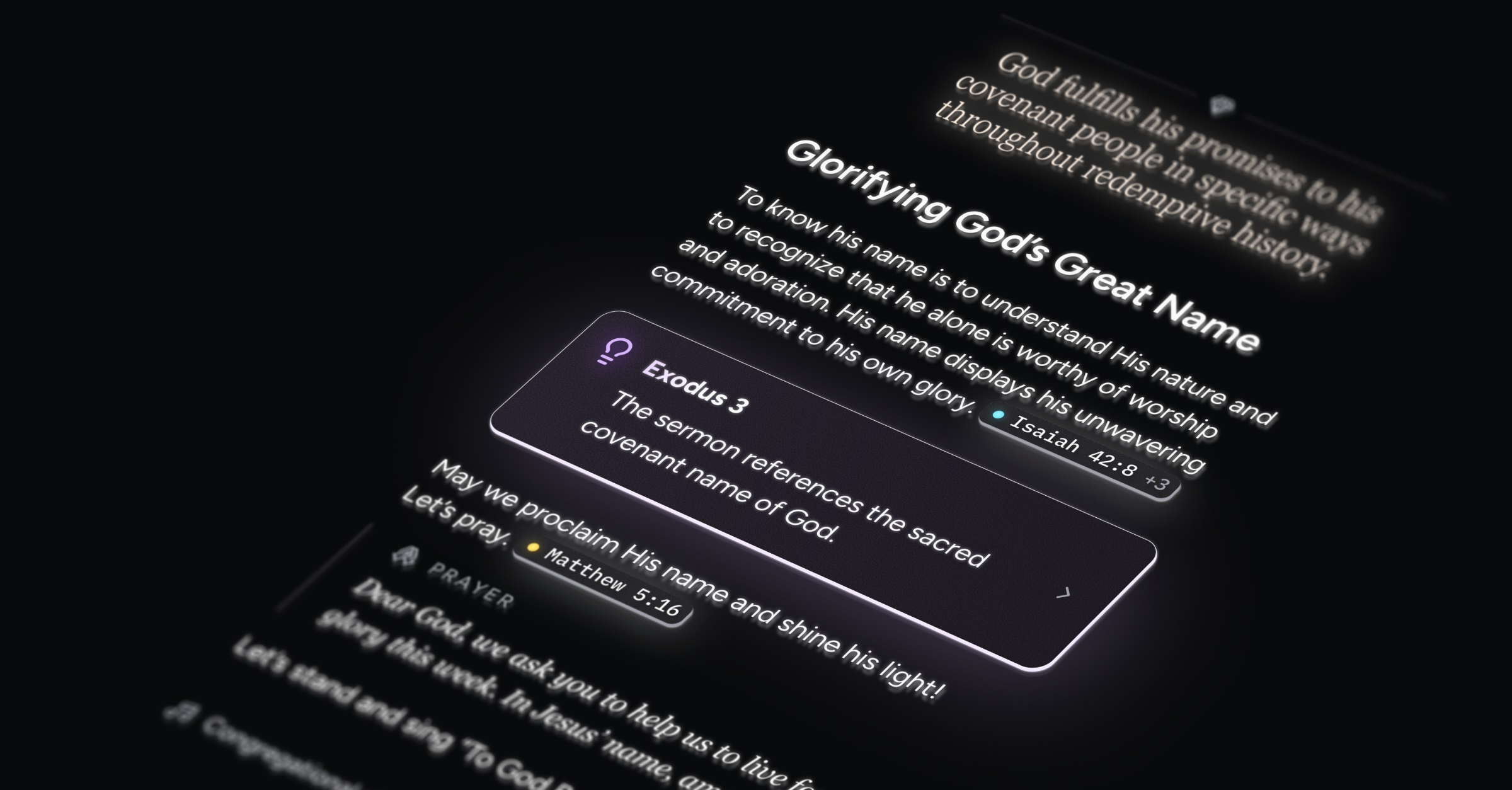
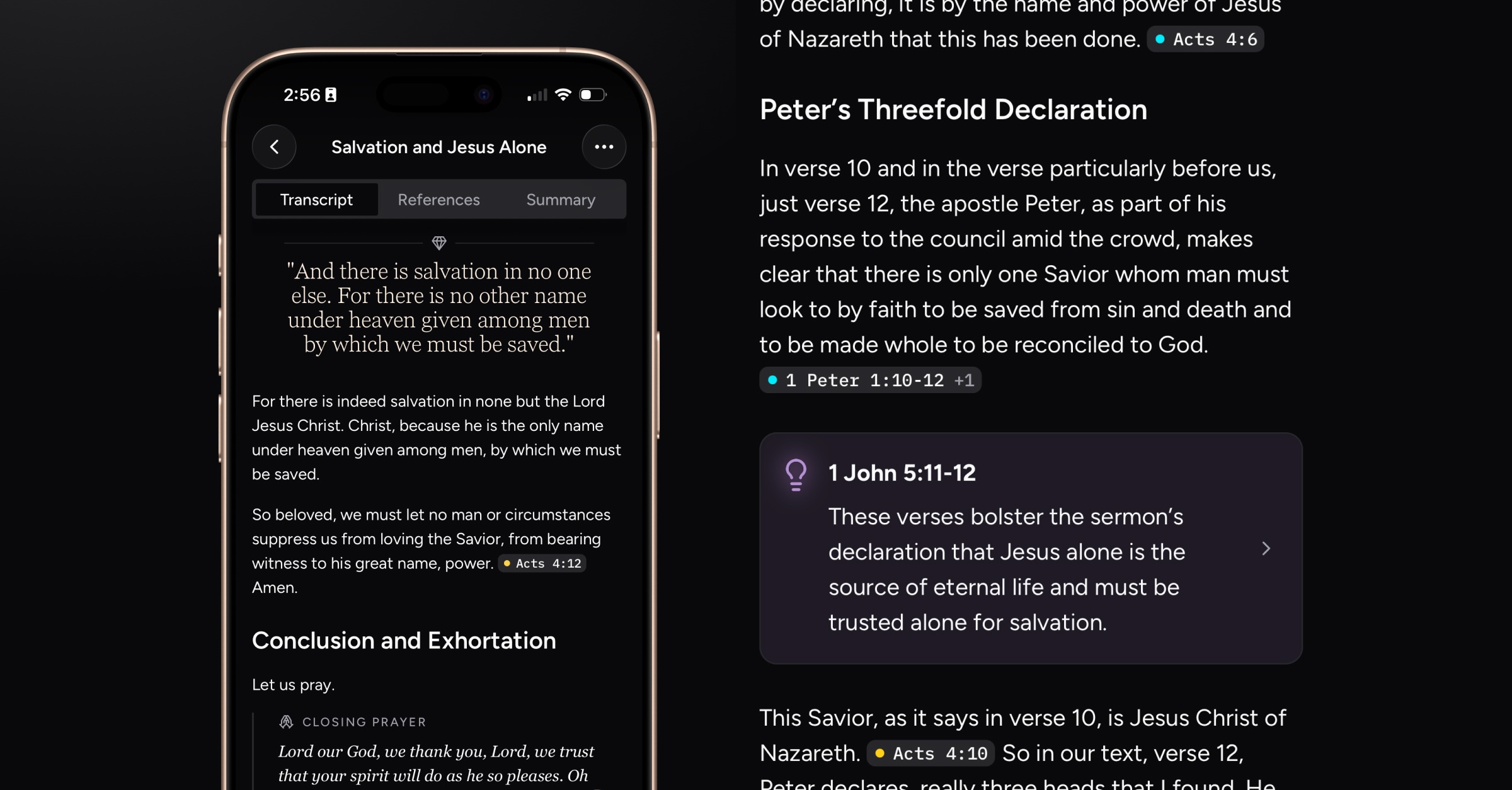
Relay transcripts are now formatted into beautiful rich text, with content blocks custom-tailored for worship services! You can toggle between the list view transcript (a simple view with timestamps) and the new rich formatted view.
What’s new
Post-processing
At the conclusion of a Relay, processing and formatting begins automatically. Within a few minutes, here’s what you’ll see:
Improved accuracy on the list transcript and reference timeline.
If you haven’t entered a Relay title, Velora will add one based on the message.
If you haven’t assigned a speaker, and if the speaker introduces himself during the message, Velora will automatically assign that speaker.
Formatted transcript
Formatting elements include:
Paragraph text with embedded references (tappable to open their detail screen)
Headings, subheadings, and bullet points
Block quotes with intelligent labeling (opening prayer, Scripture reading, benediction, song lyrics, etc.)
Highlights (large pull-quotes highlighting gems of your pastor’s wisdom)
Suggested verse callouts (displaying reasoning for why the verse fits with the message, tappable to open the reference detail screen)
Special indication for when Velora detects congregational singing
Performance enhancements
References reviewed for accuracy upon completion of a Relay
New bottom tab icons
Improved performance and smoother animations when changing tabs while on a past Relay screen