
Velora changelog
Honey Glass and more UI enhancements for pre-release
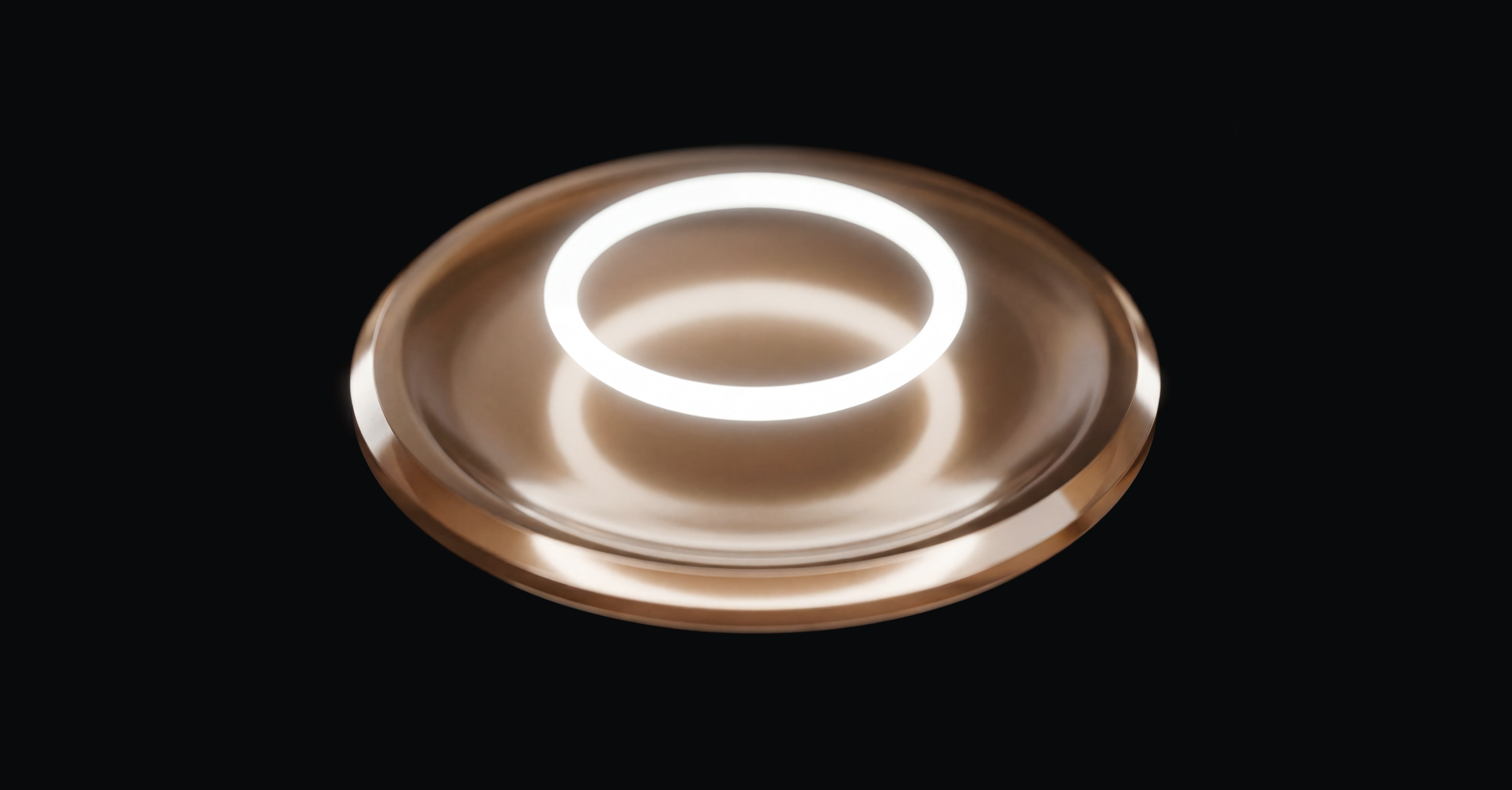
We've redesigned our floating action button (FAB) with a new custom surface that we're calling Honey Glass.
The inspiration
How sweet are your words to my taste, sweeter than honey to my mouth!
Psalm 119:103
We created Honey Glass to complement Apple's new Liquid Glass material while also becoming part of our own design language that can extend to Android devices as well.
Our brand uses gold to represent the weight and value of Scripture (Psalm 19:10). By adding Honey Glass to our UI, we hope to convey the rich sweetness found in God's Word.
Why the new FAB?
From Velora's earliest ideation, we had envisioned an easy button that lets you start a Relay (or perform other key actions) from anywhere in the app with a single swipe gesture.
Our initial solution was a floating action button (FAB) with three circles fanning out. It looked nice but was limited, since the fan design could only accommodate three options without becoming cluttered.
When Apple announced Liquid Glass at WWDC this past summer, we saw a great opportunity to redesign the FAB component.
The solution
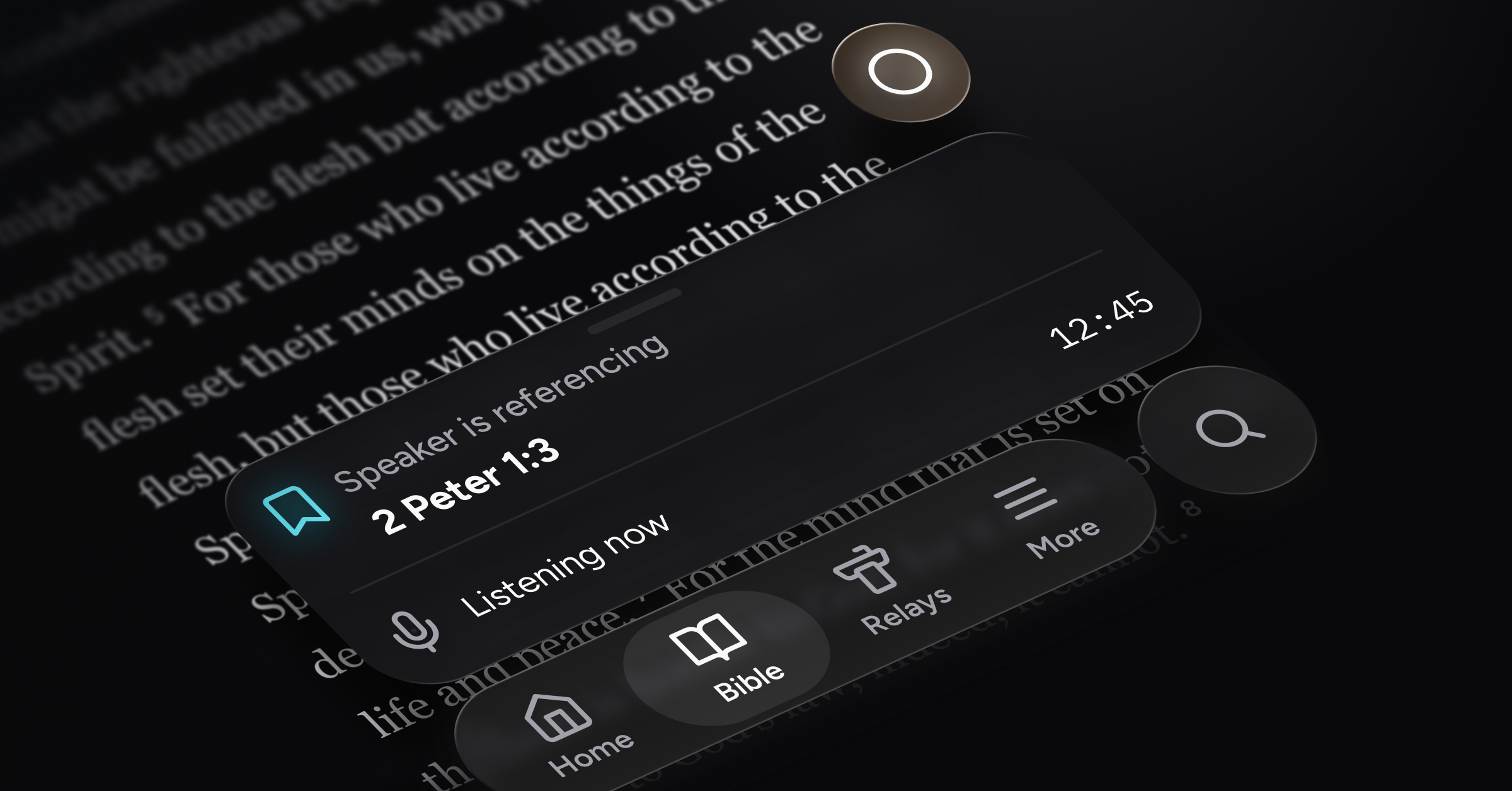
Our new Honey Glass solution is a menu that expands fluidly from the FAB. In keeping with our original vision, you can press, slide, and release with a single gesture to perform the desired action (no need to tap twice, though you can if you prefer).
The FAB menu gives us a flexible foundation to add additional actions down the road, such as starting a new chat or pausing and resuming a Relay.

Liquid Glass
We've also implemented UI improvements across the app that adopt the iOS 26 Liquid Glass style where supported.
Performance enhancements and bug fixes
Refinements to real-time transcription
Partial implementation of Relay post-processing features (reviewing transcript parts and references for accuracy after each Relay session)
Miscellaneous bug fixes